Augmented Reality
ARMOR uses RealityKit to place your robot in the real world using the device camera and LiDAR sensor.
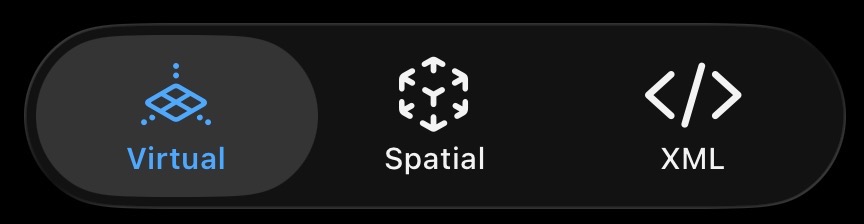
The Virtual, Spatial, and XML views are tabs in a tab view, switched using the button row at the bottom of the screen.
Requirements
- iPhone or iPad with LiDAR scanner recommended (iPhone 12 Pro and later, iPad Pro 2020 and later)
- Devices without LiDAR still support AR but with reduced plane detection accuracy
- See Robot Simulation on iPhone and on iPad for the full device guides
Entering AR Mode
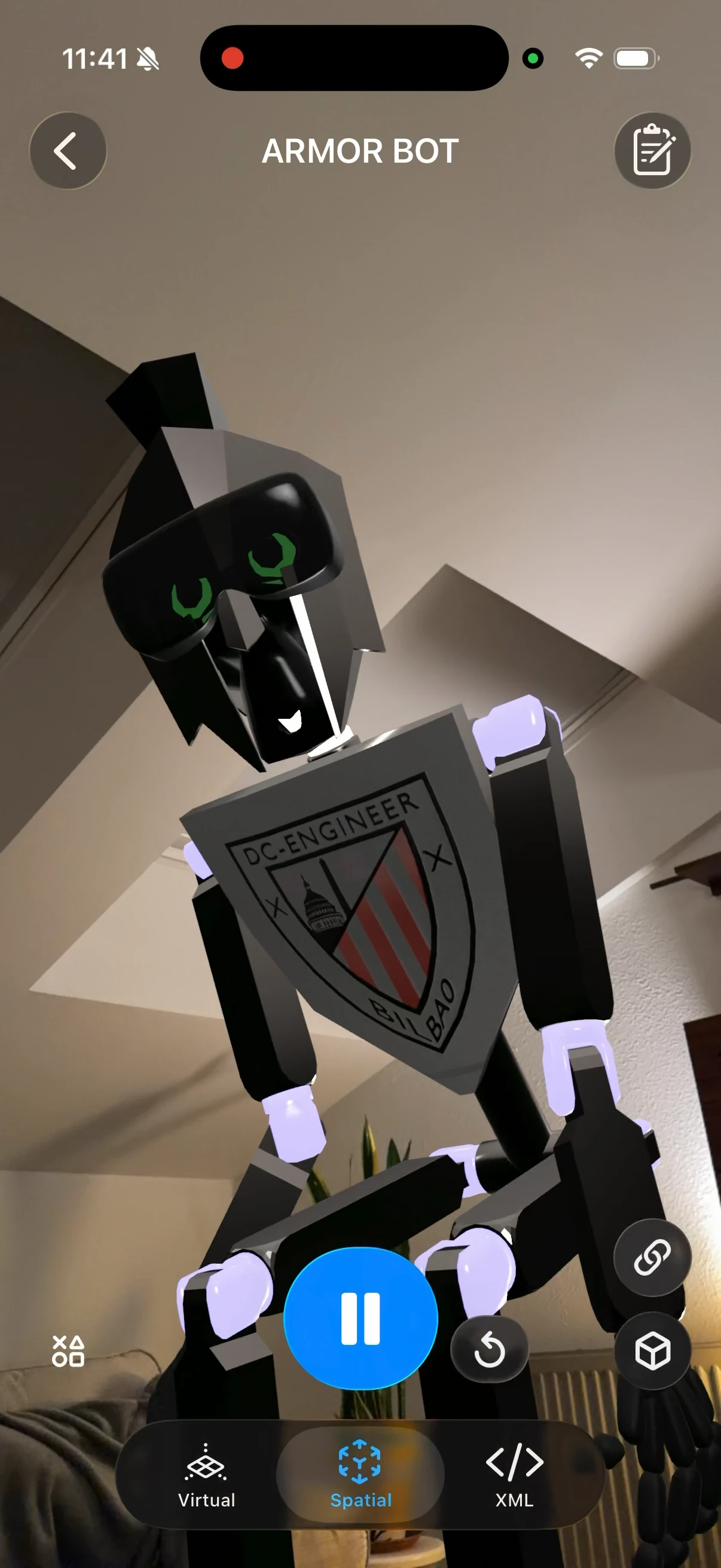
- Tap the Spatial tab button at the bottom of the screen
- Point your device at a flat surface such as a floor or table
- Tap to place the robot at that location
Interacting in AR
Once placed, you can:
- Drag the robot to reposition it on the detected surface
- Rotate with a two-finger twist gesture
Shadows
The robot casts a shadow onto the real surface it stands on, so it looks grounded in the room instead of floating. On devices with a LiDAR scanner, the shadow is cast onto the surface your device has mapped, so it follows the real floor or table.
Returning to 3D View
Tap the Virtual tab button at the bottom of the screen to exit AR and return to the virtual 3D viewport.
Tips
- AR works best in well-lit environments
- Textured surfaces (carpet, wood grain) are detected more reliably than plain white walls or floors