World Objects
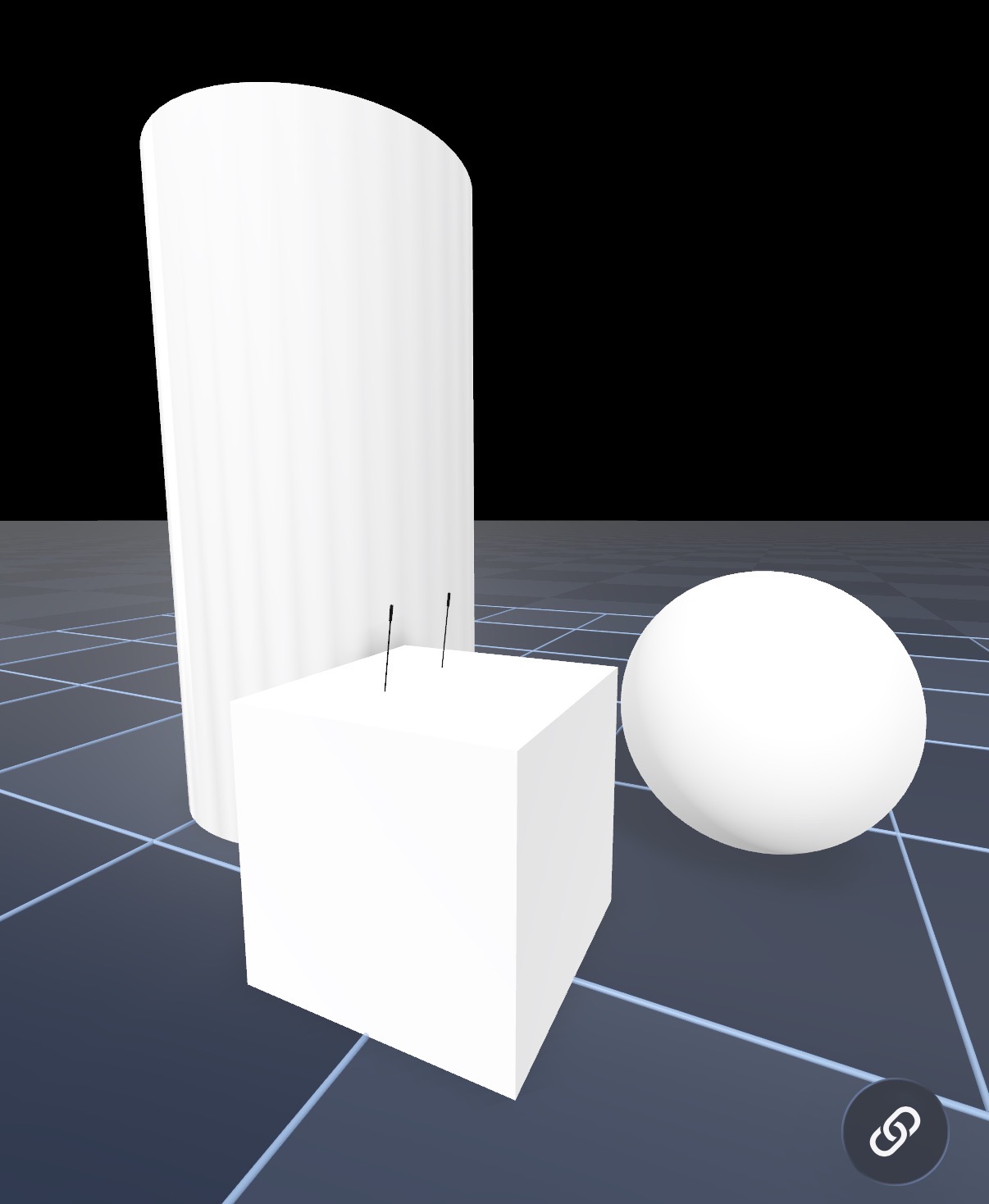
World objects are obstacles and props you place in the simulation scene alongside your robot. ARMOR supports primitive shapes (box, sphere, cylinder) and arbitrary mesh geometry — each fully simulated in MuJoCo and rendered in the 3D view.
Adding an Object
Open the World editor and tap Add Object, then choose a shape. You can add as many objects as you need; each one appears in both the 3D view and the MuJoCo simulation.
Shapes
Primitives: Box, Sphere, Cylinder
The three built-in primitive shapes are the fastest way to build a scene. Configure their dimensions, pose, and physics properties:
| Property | Description |
|---|---|
| Shape | Box, sphere, or cylinder. |
| Pose | Position (X, Y, Z) and orientation in the world frame. |
| Dimensions | Width/Depth/Height for box; Radius/Length for cylinder; Radius for sphere. |
| Body type | Static (welded) or dynamic (free body). |
| Friction | Primary and secondary friction coefficients for MuJoCo contact. |
| Mass | Mass in kg, used when the object is dynamic. |
Mesh Obstacles
Import a .usdz, .obj, or .stl file as a world object to add arbitrary geometry to your scene. You can pick a file already in the project or import a new one. Mesh obstacles receive a convex-hull collision automatically, so your robot can push, touch, and be blocked by them — not just see them.
Mesh objects support the same static/dynamic physics and appearance settings as primitives.
Static vs Dynamic Objects
Static (welded) objects are fixed in place — they act as immovable walls, platforms, or terrain features. The robot collides with them but cannot push them.
Dynamic objects are free bodies subject to gravity and contact forces. They fall onto the ground plane, slide when pushed, and react to the robot’s motion. Tapping Reset returns every dynamic object to its starting pose.
Appearance
Each object can be styled independently:
- Solid color — pick any color with the system color picker.
- Texture — apply an image texture from your project assets, the same way you style a robot’s link visuals. Textures are preserved in the exported MJCF.
Styling helps visually distinguish obstacles from the robot and produces a more polished exported scene.
Simulation Behaviour
All objects — primitive and mesh — are included in the compiled MuJoCo model. They collide with the robot’s geoms and with each other. The same object definitions are embedded in the exported MJCF, so a scene you design in the app replicates exactly on the desktop.
Next Steps
- Ground Plane — configure the surface the objects rest on.
- Worlds & Robot Placement — overview of world settings and robot base type.
- Exporting URDF & MJCF Archives — export the world and its objects with the robot.