Robot Selector
The first screen you will see when opening the app (or the sidebar on iPad or macOS) is a list of robot projects. Tap on one of these to load it in the main 3D view or editor.
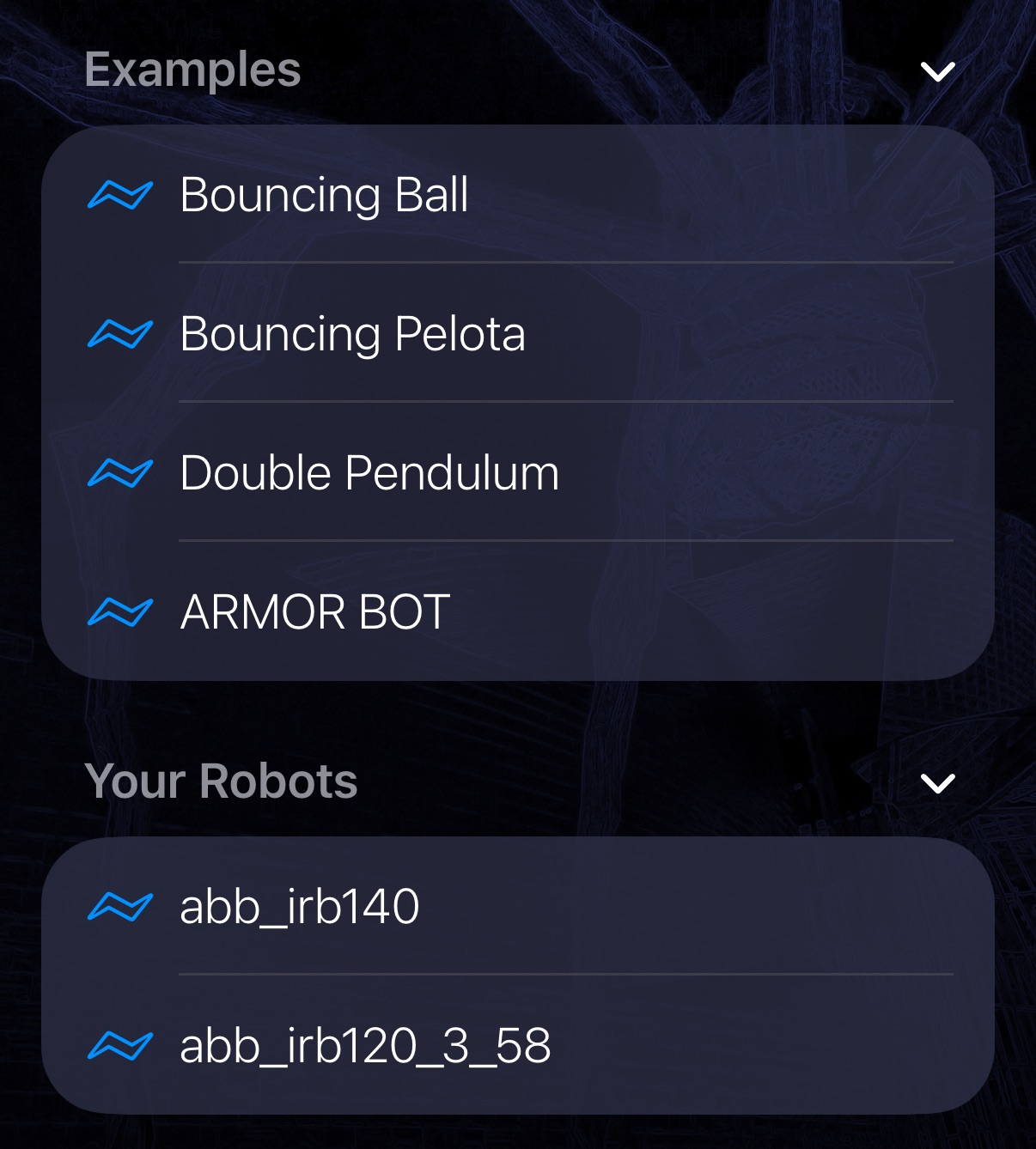
Examples
A set of example robots are pre-packaged with the ARMOR app:
- A bouncing ball.
- A bouncing pelota, dropped onto a set of angled surfaces.
- A double pendulum.
- A humanoid robot (the ARMOR mascot).
Your Robots
There is also a list of your own projects; add to this list by creating your own projects or loading from existing URDF files.
Sorting
The Sort button (up and down arrows) in the Your Robots header opens a menu that sets the order of your list:
- Name: alphabetical, ignoring case and treating numbers naturally, so
Arm 2comes beforeArm 10. - Date Created: when the project was first made.
- Date Modified: when the project was last changed. This is the default, with the most recently modified project first.
A checkmark marks the field in use. Below the fields, a button shows the current direction, Ascending or Descending, and tapping it flips the order. ARMOR remembers both choices the next time you open the app.
The Examples list is not affected by sorting.