Ground Plane
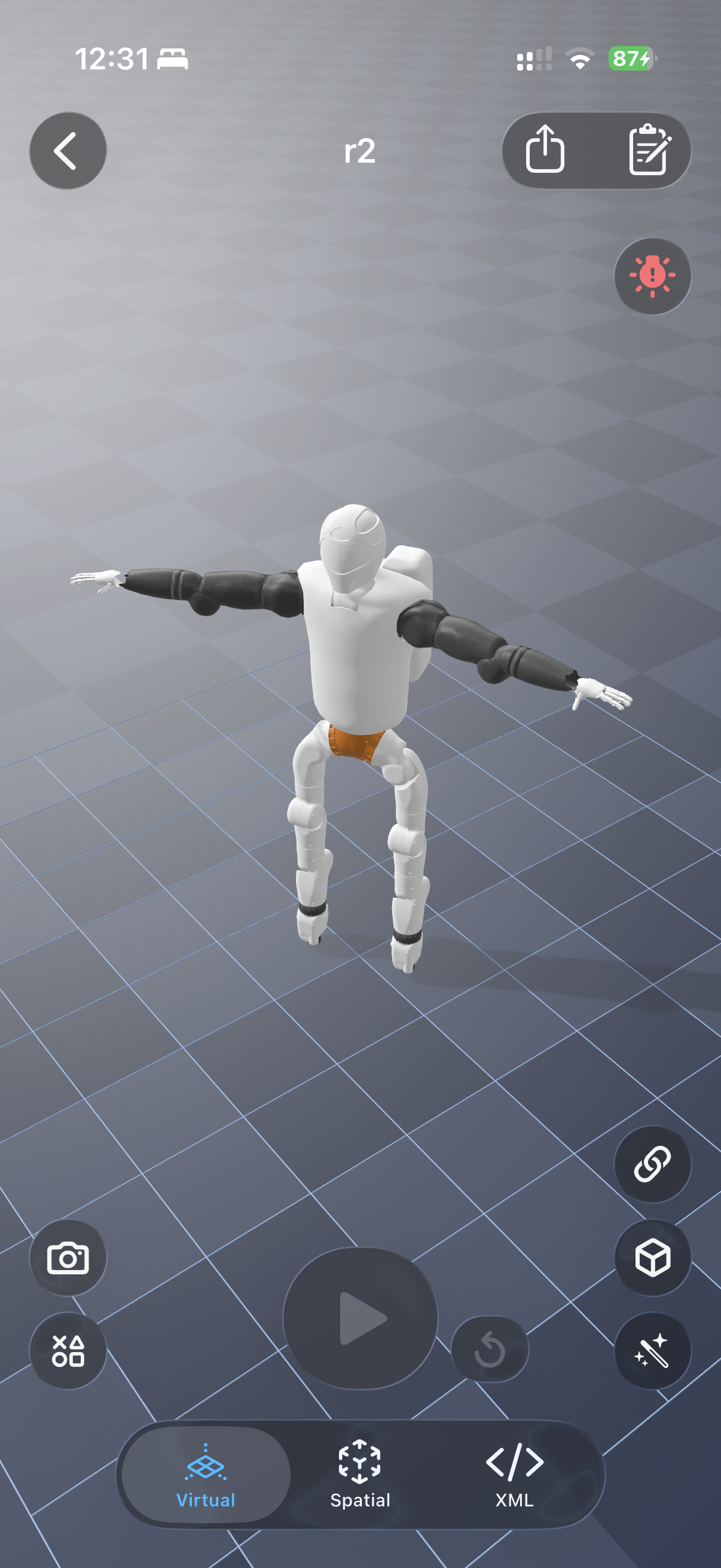
The ground plane gives your robot a surface to stand on, push against, and interact with. ARMOR lets you control both its physics behaviour (does it participate in MuJoCo contact simulation?) and its visual appearance (how does it look in the 3D view?) independently.
Physics Toggle
Turn Ground Plane Contact on or off in the World editor. When enabled, the plane is a true MuJoCo geom — the robot’s feet, wheels, or body collide with it and friction forces apply. When disabled, the robot falls through the floor during simulation (useful for free-floating or aerial robots where a floor is irrelevant).
Friction
Adjust the friction coefficient to model different surfaces: high friction for rough terrain, low friction for ice or a lubricated track. The value maps directly to MuJoCo’s friction attribute on the plane geom.
Display Options
The visual ground plane is controlled separately from physics — you can show it even when contact is off (for spatial reference), or hide it even when contact is on (for a cleaner AR view).
Appearance Modes
| Mode | Description |
|---|---|
| Solid color | A flat, single-color surface. Pick any color with the system color picker. |
| Checkerboard | A two-color checker pattern — choose both colors independently. |
Both modes support an opacity control so you can fade the plane to keep the robot the visual focus.
MuJoCo-Style Checker Floor
Selecting the checkerboard mode with the default gray-and-white palette and a slight reflectance produces an appearance closely matching MuJoCo’s default checker floor — a near-infinite (1 000 m) shaded, slightly reflective plane. This makes the in-app view feel immediately familiar to anyone who uses desktop MuJoCo.
Plane Size
The ground plane extends 1 000 m in every direction — effectively infinite at any robot scale. The checker tile size scales with the plane so the pattern stays visually proportional.
Next Steps
- World Objects — place boxes, spheres, and cylinders on the ground.
- Worlds & Robot Placement — overview of all world settings.