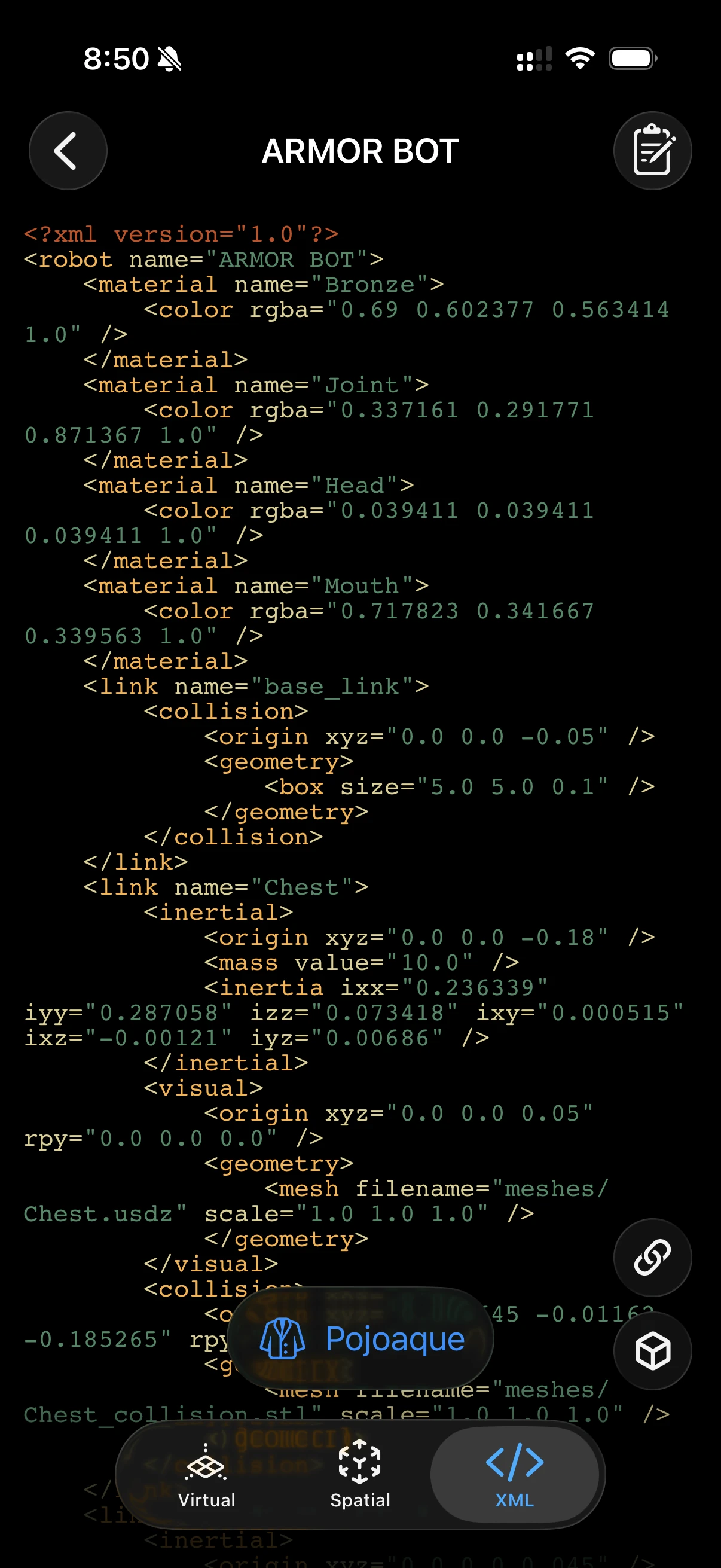
XML Viewer
The XML tab gives you a read-only window into every description file that makes up your project: the raw URDF, the SRDF semantics, the World definition, and — with Premium — the compiled MuJoCo MJCF. In a multi-robot world, a source picker at the top of the tab lets you switch between each robot’s own URDF and SRDF, alongside the single shared World and MJCF.
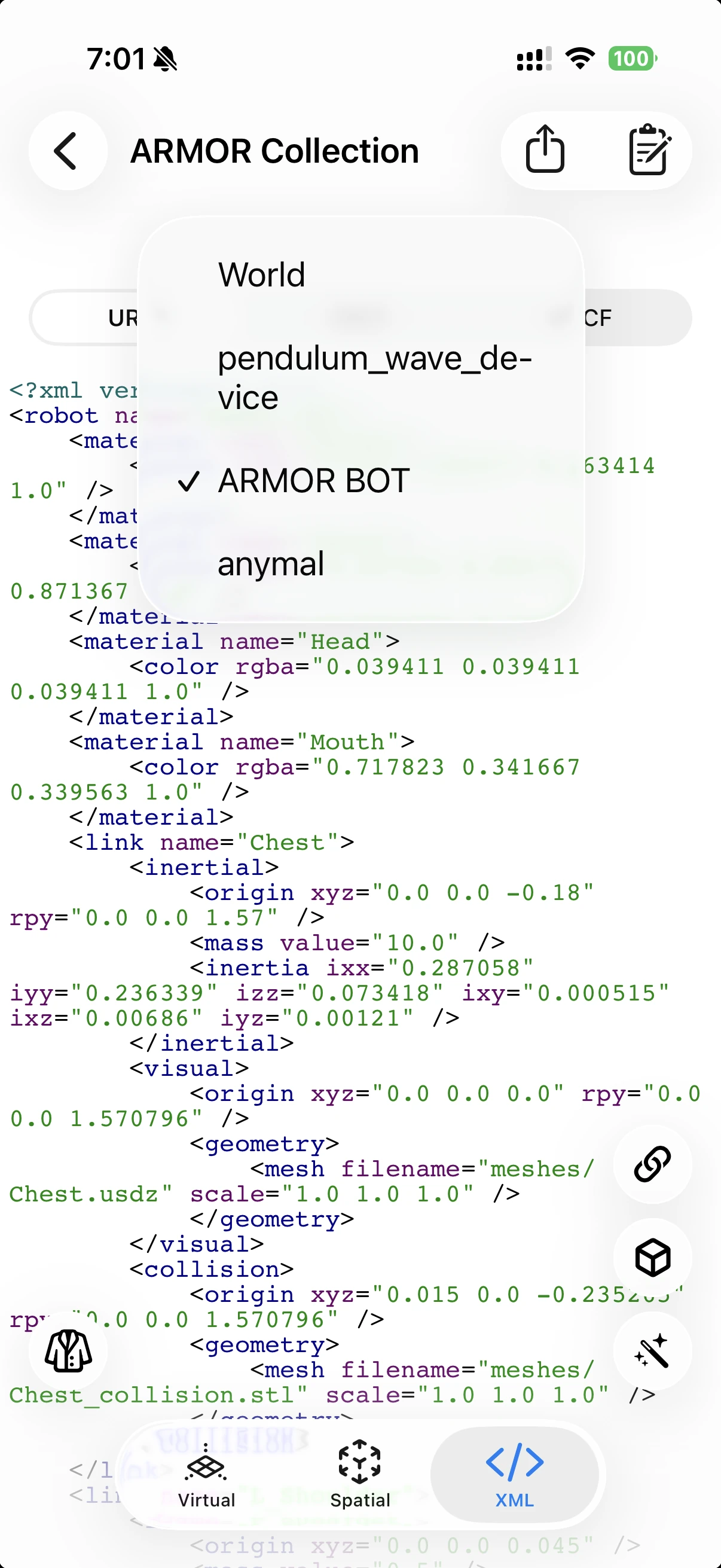
The source picker in a multi-robot project — switch between each robot’s own URDF/SRDF, or the shared World.
Tabs
URDF
Displays the full source of the robot’s URDF file as plain text with syntax highlighting. This is the same XML that ships in a URDF package export and what ROS, Gazebo, and Drake consume.
SRDF
Shows the Semantic Robot Description Format file — joint groups, group states, and end-effector definitions. If you have not defined any groups in Semantics, this tab shows a minimal SRDF header.
World
Shows the SDF 1.7–subset XML that defines your simulation world: gravity, timestep, ground plane, obstacles, and robot placement. ARMOR-specific metadata appears inside the <plugin name="armor"> block.
MJCF (Premium)
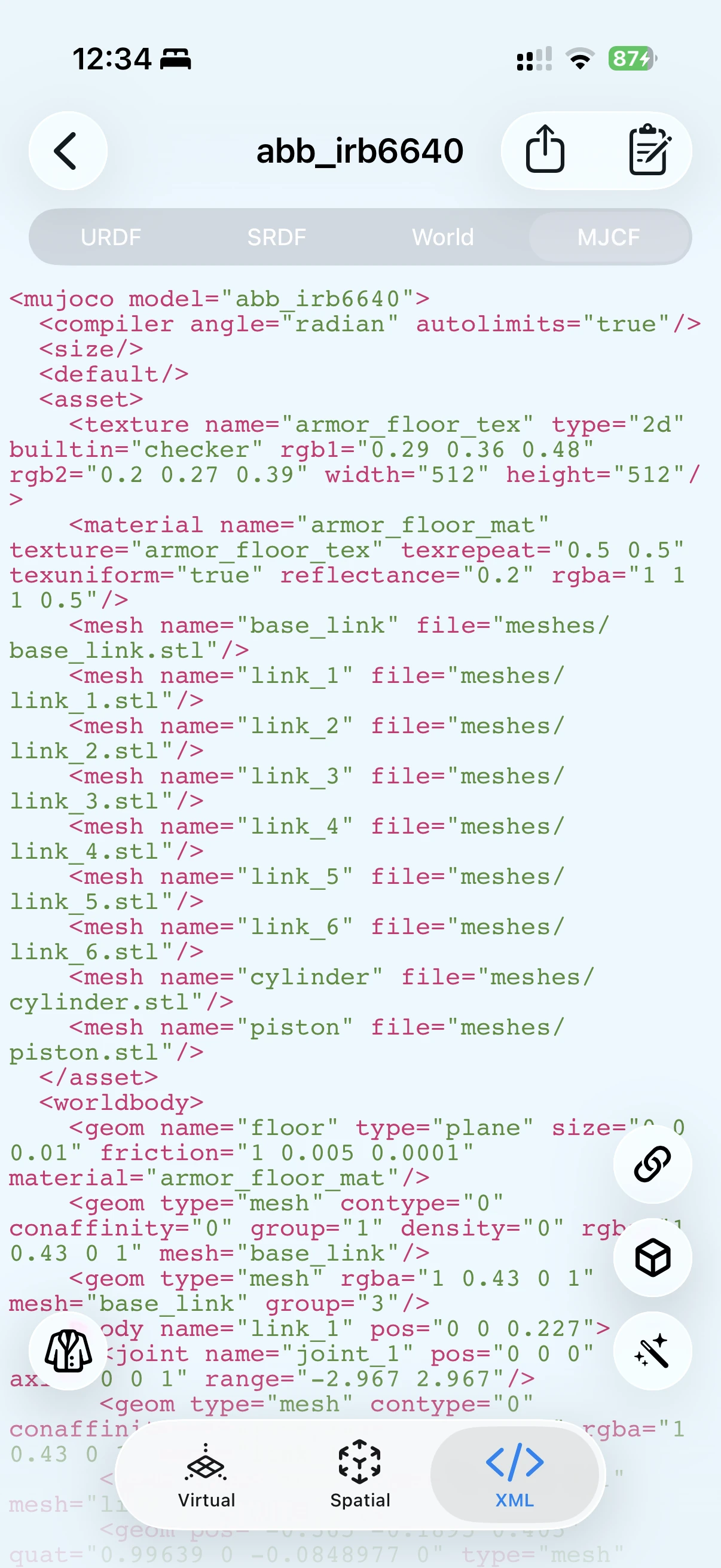
The MJCF tab is a Premium feature. It displays the compiled MuJoCo XML that ARMOR generates from the URDF, world settings, and mesh-conversion pipeline — exactly what a URDF & MJCF archive export produces, including the floor checker material and any world obstacles. What you see in this tab is what you get in the downloaded file.
Why this matters: the MJCF preview lets you verify the compiled model before exporting, catching issues with joint ordering, geom names, or world configuration without leaving the app.
Theme Selector
A Theme button at the bottom of the screen opens a theme picker, letting you choose a color scheme for the syntax highlighting across all tabs.
Overview
All XML tabs are read-only. They let you inspect the raw structure of your project without risk of accidental edits. Syntax highlighting and styling are applied automatically using a SwiftUI code-editor component.