All Features & Capabilities
ARMOR is premier mobile robot simulation software — a URDF viewer, editor, and MuJoCo simulator in your pocket. Whether you are inspecting complex URDF hierarchies on the subway or simulating humanoid robots in augmented reality, discover what makes ARMOR the ultimate pocket simulator.
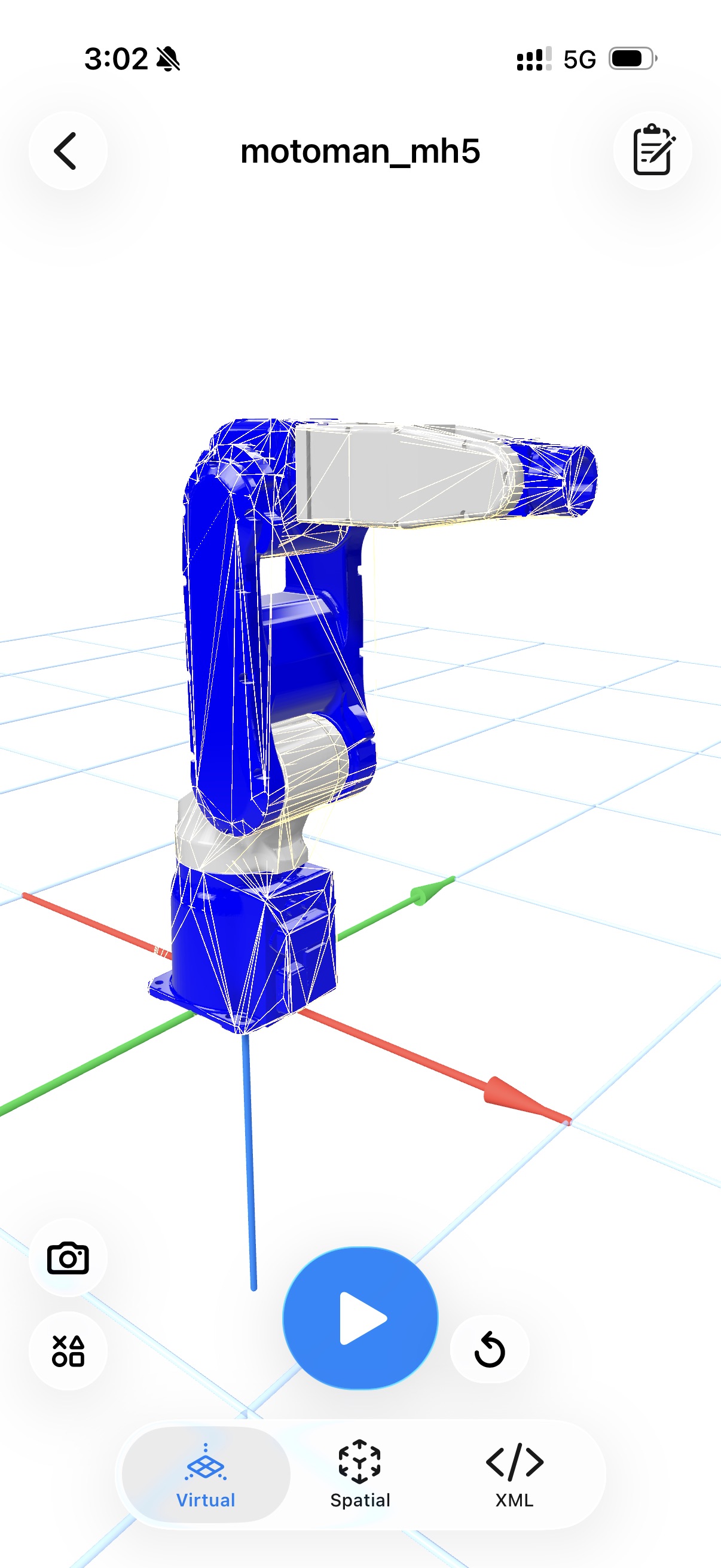
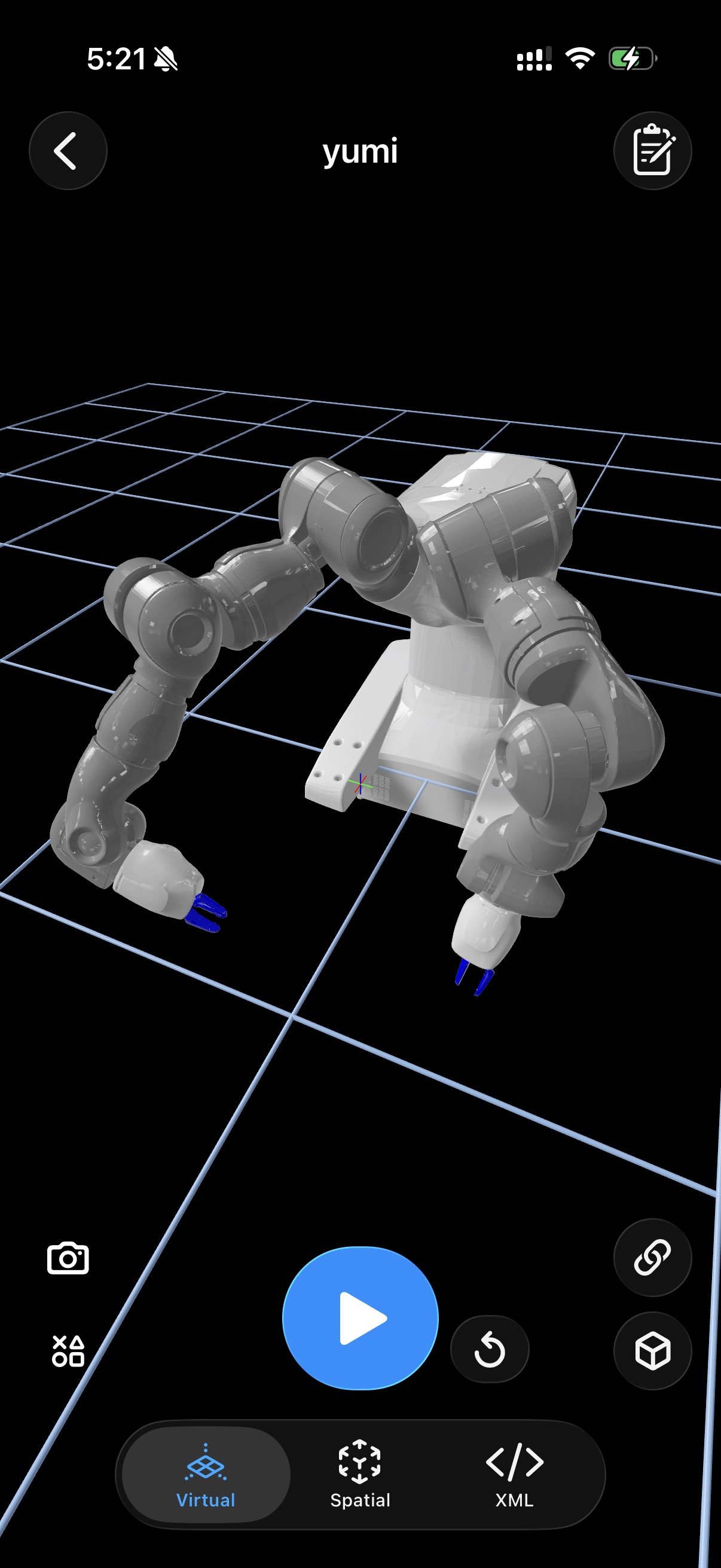
High-Fidelity MuJoCo Physics Simulator
Take your simulations out of the lab. ARMOR natively integrates the industry-standard MuJoCo physics solver directly on your iOS device. Accurately simulate robot kinematics, test joint movements, and interact with complex mechanical systems in real time without sacrificing performance. Learn more about the MuJoCo simulator →
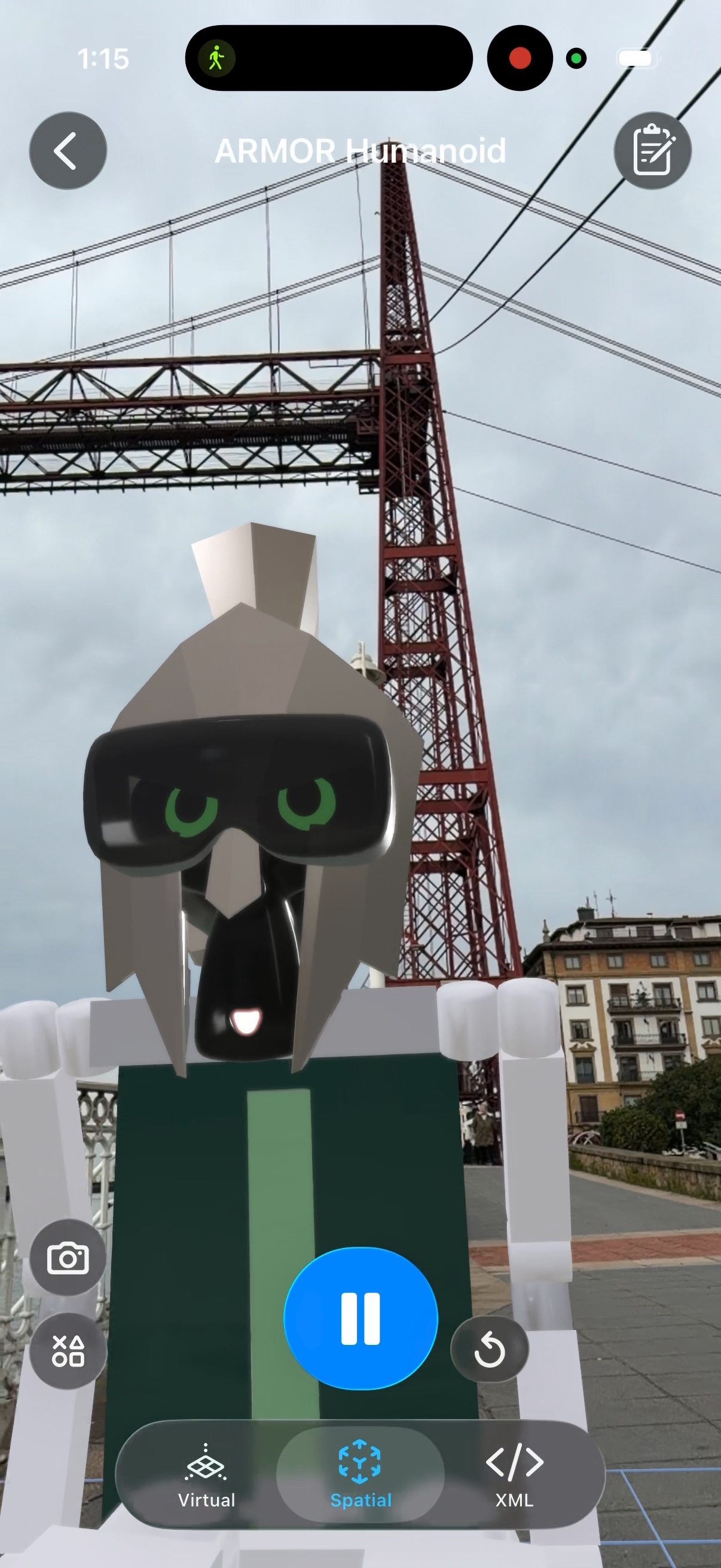
Immersive Augmented Reality Robotics
Visualize robotics in perfectly tracked physical space. Built entirely on Apple's powerful RealityKit, ARMOR renders highly realistic materials and environmental lighting. Use passthrough AR to place industrial robot arms or bipedal humanoids directly in your living room or laboratory—experiencing scale and collisions as if they were actually there.
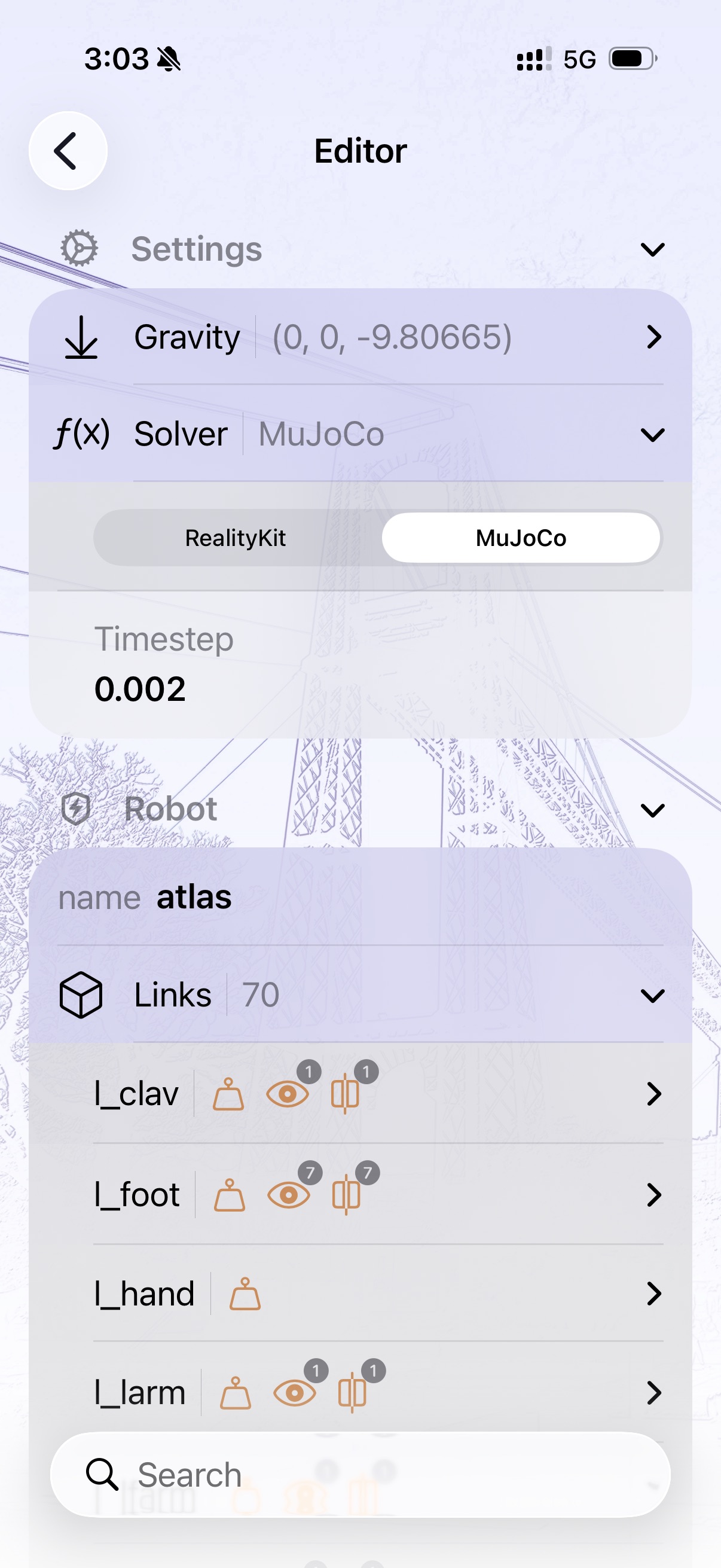
Safe & Intuitive Visual URDF Editor
Say goodbye to confusing layout syntax errors on mobile. Our Custom SwiftUI Wizard guarantees properly formatted robot description files. Modify complex links, tune physics parameters, and adjust joints safely using GUI sliders and toggles, ensuring compliant and error-free valid URDF XML generation every time.
Import URDF Models from Anywhere
Engineers don't exist in a vacuum, and neither should their files. Import entire robot model directories seamlessly from local device storage, iCloud, Google Drive, or directly download them using web browsers. ARMOR dynamically parses imported packages instantly.
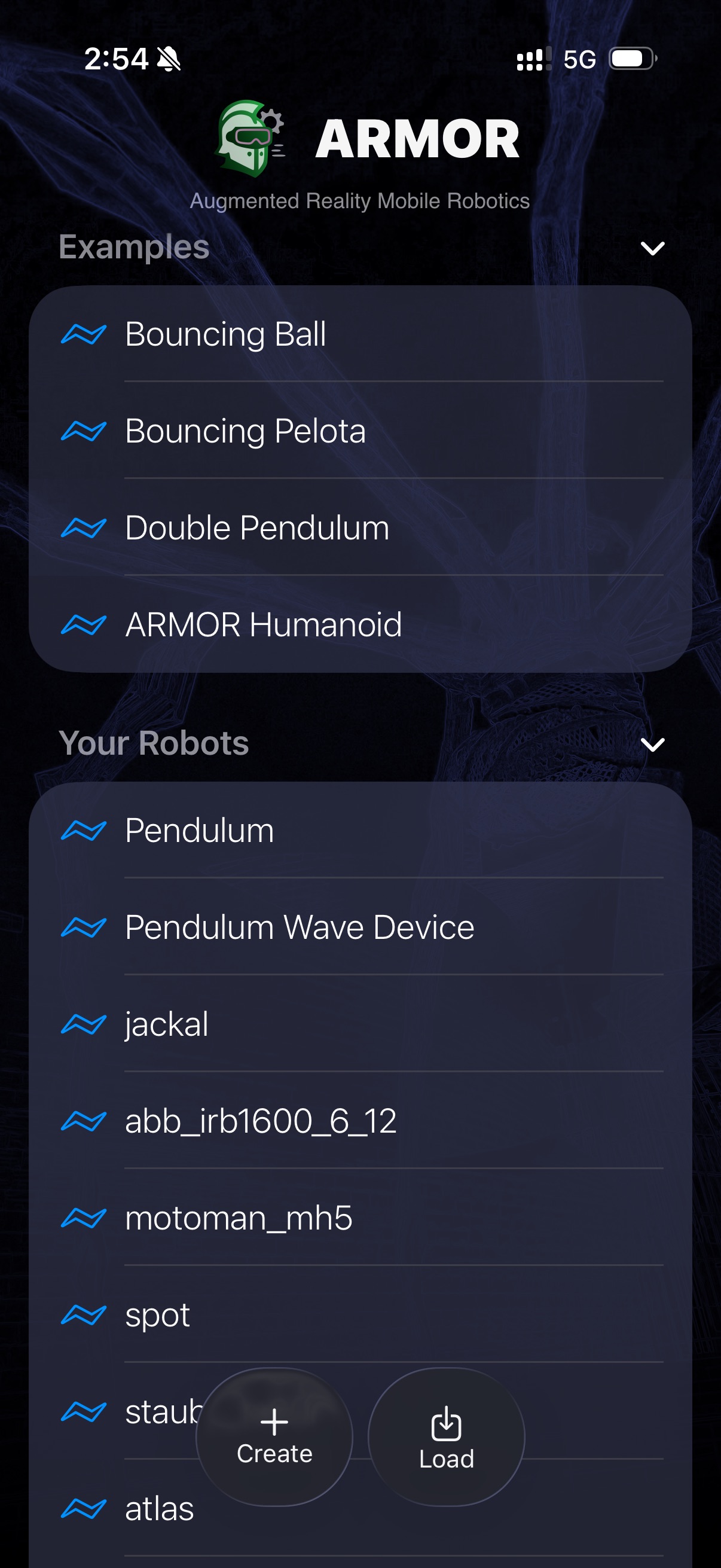
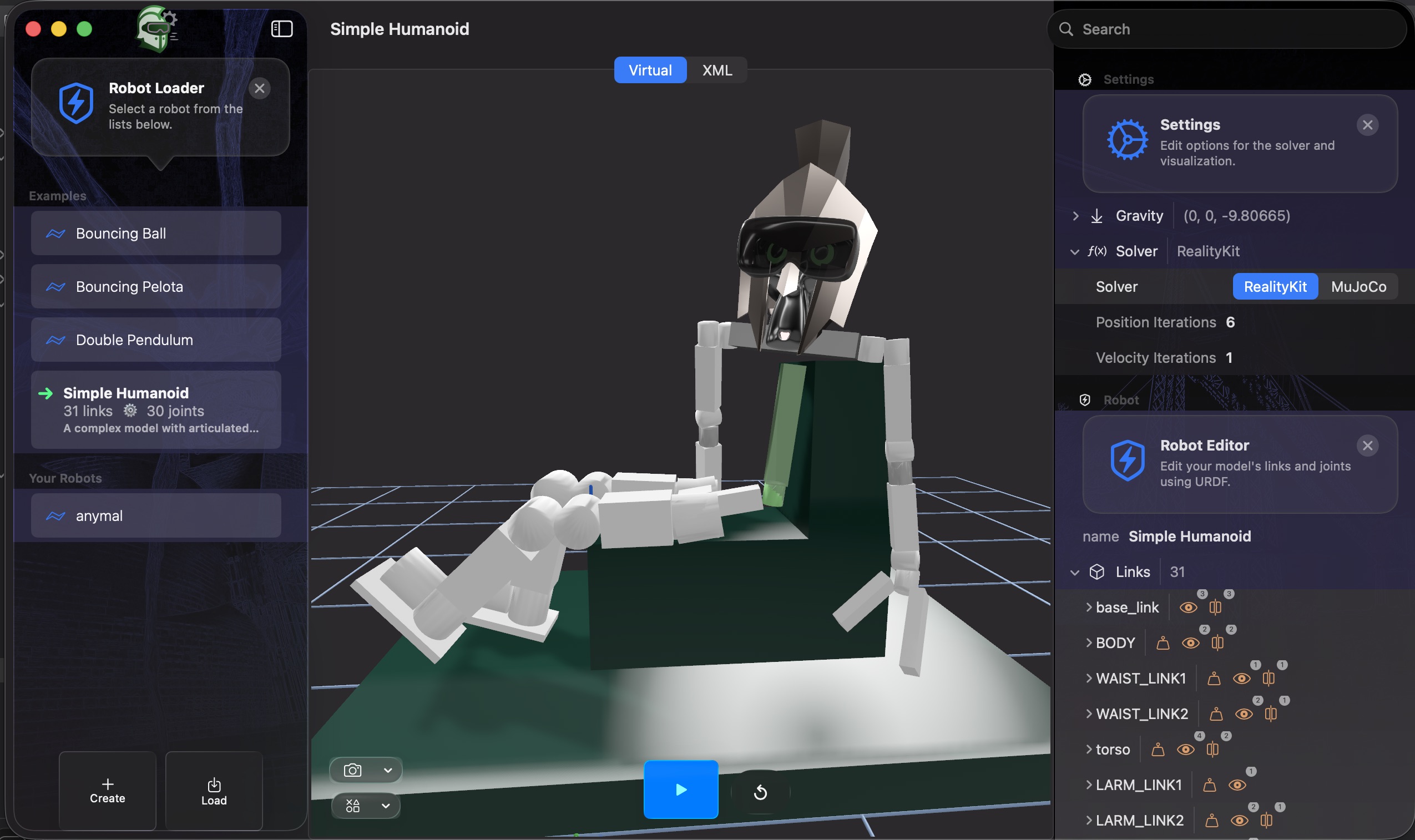
Cross-Platform: iPhone, iPad, and macOS
Engineered as an Apple Universal App. Enjoy a UI natively optimized for multi-touch finger controls on iPhone and iPad, yet resilient enough to take advantage of advanced desktop-class performance and wider screen real-estate when working locally on macOS. See robot simulation on iPhone, iPad, and Mac.
Multi-Robot MuJoCo Worlds
A project in ARMOR is a full multi-robot simulation world. Place multiple robots in one scene — a manipulator arm and a quadruped, a fleet of mobile bases, or any combination you need. Each robot has its own pose and fixed or free base. Set up the scene on your phone, press Play, then export the entire world as a single MJCF that opens identically on a desktop MuJoCo workstation — ground plane, obstacles, scene lighting, and all robots included. Multi-robot simulation is an ARMOR Premium feature.
Multi-robot docs →